
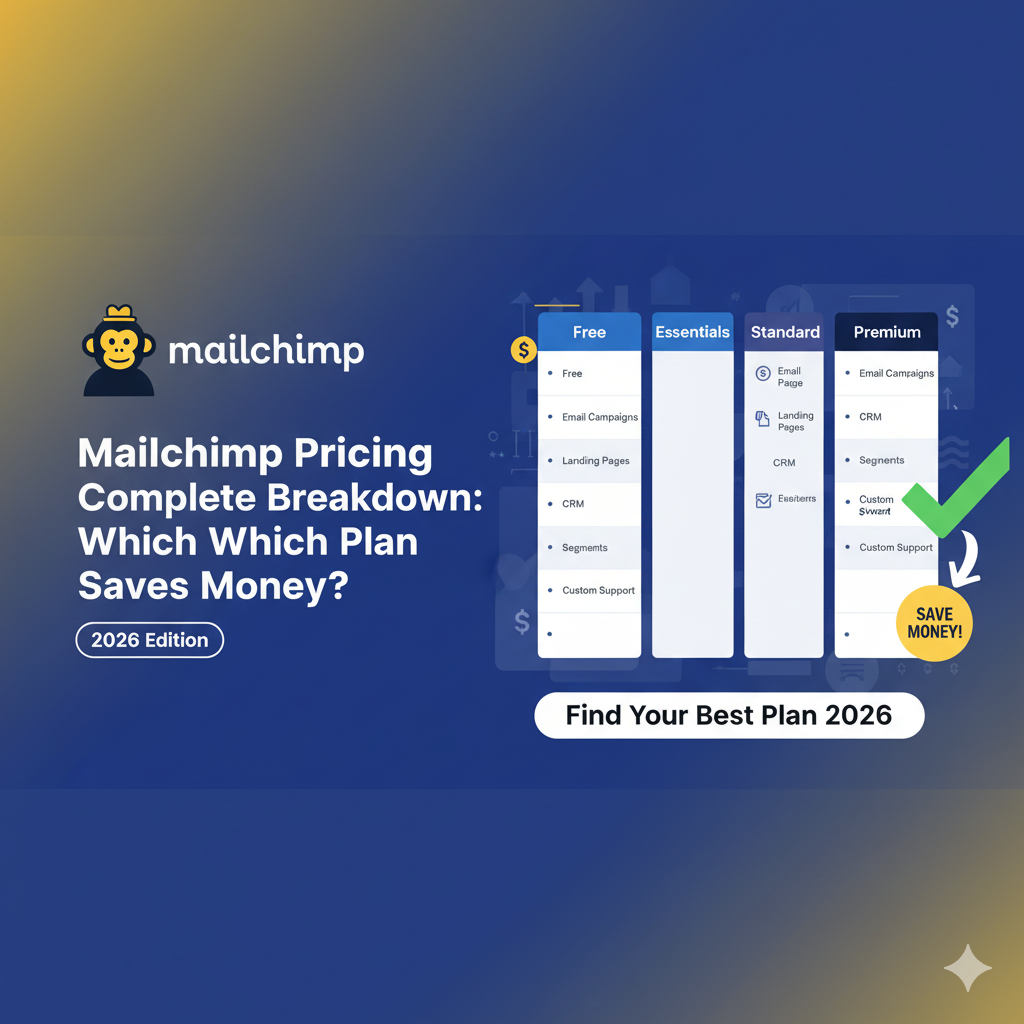


Mailchimp offers various pricing plans to fit your budget and needs. If you’re just starting, the Free plan’s ideal for basic email marketing with up to 500 contacts. For a bit more, the Essentials plan at $11/month gives you more features and support. As your business grows, consider the Standard plan for $17/month or the Premium plan starting at $299/month for advanced capabilities. Discover how to choose the best plan for your budget and goals next.
Table of Contents
Key Takeaways
- The Free plan is cost-effective for beginners but has limitations, allowing only 500 contacts and 10,000 emails per month.
- The Essentials plan, starting at $11/month, offers more features like A/B testing for up to 5,000 contacts, providing better value for growing needs.
- The Standard plan at $17/month includes advanced automation and dynamic content, making it economical for businesses needing enhanced engagement tools.
- The Premium plan, starting at $299/month, offers unlimited contacts and advanced features, beneficial for larger businesses with extensive email campaigns.
- Assess your business needs and audience size to determine the most cost-effective plan for your marketing goals and budget.
Overview of Mailchimp Pricing Plans
When exploring Mailchimp’s pricing plans, you’ll find a range of options tailored to different business needs.
Their global pricing structure reflects the diverse subscription trends across various markets, making it easier for you to choose a plan that suits your budget.
You can opt for a free plan if you’re just starting out, but as your business grows, you might consider their Essentials, Standard, or Premium plans, each offering more features and increased limits.
These plans are designed to provide flexibility, allowing you to scale as your audience expands.
Keep an eye on the latest subscription trends; they can impact your decision on which plan best aligns with your marketing goals and budget.
Free Plan: Features and Limitations
When you opt for Mailchimp’s free plan, you gain access to essential features that can kickstart your email marketing efforts.
However, it’s important to understand the limitations that come with it, like subscriber caps and email sending restrictions.
Let’s explore what you can do and what you need to watch out for.
Key Features Overview
Mailchimp’s free plan offers a solid starting point for businesses looking to dip their toes into email marketing without any financial commitment.
You’ll get access to a variety of design templates, making it easy to create visually appealing emails that resonate with your audience.
These templates can be customized to fit your brand’s style, ensuring your messages stand out.
Additionally, the plan includes basic automation workflows, allowing you to send targeted emails based on user behavior, such as welcome messages or follow-ups.
This feature helps you engage your audience effectively without requiring extensive manual effort.
Usage Limitations Explained
While Mailchimp’s free plan offers a great starting point, it does come with certain usage limitations that you should be aware of.
These constraints can affect your marketing efforts, so understanding them is essential for your success.
- You can’t send more than 10,000 emails per month.
- You’re limited to a maximum of 2,000 contacts.
- Advanced features like automation are restricted.
- Lack of customer support means you’ll rely on user education.
- Policy enforcement can lead to account suspensions for non-compliance.
Being mindful of these limitations can help you navigate your marketing strategy effectively.
If your needs grow, consider upgrading to access more features and avoid potential pitfalls.
Essentials Plan: Cost and Key Offerings
The Essentials Plan offers a cost-effective option for your email marketing needs.
You’ll find key features that enhance your campaigns, making it easier to connect with your audience.
Let’s break down the pricing structure and what you can expect from this plan.
Pricing Structure Overview
Here are some key emotional benefits to evaluate:
- Feel empowered to reach your audience effectively.
- Enjoy predictable monthly expenses without surprises.
- Access essential tools without breaking the bank.
- Grow your business confidently with scalable options.
- Experience peace of mind knowing you’ve chosen a reliable partner.
The Essentials Plan truly focuses on supporting your journey while maximizing value and minimizing costs.
Key Features Included
Access a suite of essential features with the Essentials Plan, designed to elevate your marketing efforts. You’ll benefit from powerful tools that simplify your campaigns and enhance customer engagement.
Here’s a quick look at some key offerings:
| Feature | Description |
| Integration examples | Connect with platforms like Shopify and WordPress. |
| Email templates | Choose from customizable designs to fit your brand. |
| Support resources | Access 24/7 email and chat support for quick assistance. |
With these features, you can streamline your marketing strategy while receiving the necessary support to maximize your success. The Essentials Plan not only saves you money but also equips you with everything you need to thrive in your marketing efforts.
Standard Plan: Benefits for Growing Businesses
For growing businesses looking to expand their marketing efforts, the Standard Plan from Mailchimp offers a range of valuable features designed to enhance engagement and drive results.
With its plan scalability, you can easily adjust your subscription as your business grows, ensuring you always have the right tools at your disposal.
Here are some growth perks you’ll appreciate:
- Access to advanced audience insights
- Personalized messaging to boost engagement
- Automated workflows that save you time
- Custom templates that reflect your brand
- A/B testing to optimize your campaigns
These features empower you to connect with your audience effectively, making it easier to foster relationships and increase sales.
With the Standard Plan, you’re set for success!
Premium Plan: Advanced Features for Larger Companies
The Premium Plan from Mailchimp is tailored for larger companies that require robust marketing solutions to manage complex campaigns. With features designed for scalability, this plan supports your growing needs, ensuring you can reach a global audience effectively.
You’ll benefit from advanced segmentation, allowing you to target specific customer groups with precision.
Premium Support is also included, giving you access to dedicated experts who can help troubleshoot issues and optimize your strategy.
This level of support is vital for businesses that can’t afford downtime or mistakes in their marketing efforts.
Pay-As-You-Go Option: When It Makes Sense
Wondering if a Pay-As-You-Go option suits your business?
This plan can be a lifesaver for freelancers and small businesses, especially when project scaling varies.
You’ll only pay for what you need, making it perfect for those unpredictable months.
Here are a few scenarios where this option shines:
- You want to avoid long-term commitments.
- Your client workload fluctuates greatly.
- You prefer flexible freelance billing.
- You’re just starting and need to test the waters.
- You want to control spending without sacrificing quality.
Choosing the Pay-As-You-Go plan can offer financial freedom while still getting the marketing tools you need.
It’s all about aligning your expenses with your actual usage, ensuring you pay only when you send out campaigns.
Comparing Features Across Plans
Choosing the right plan is essential when considering Mailchimp. Each plan offers unique features tailored to different business needs, and understanding these can help you meet market benchmarks. Here’s a quick comparison to illustrate feature trends across the plans:
| Feature | Free Plan | Essentials Plan | Standard Plan | Premium Plan |
| Email Templates | Limited | Basic | Advanced | All Available |
| Automation | None | Basic | Enhanced | Advanced |
| A/B Testing | No | Yes | Yes | Yes |
| Reporting | Basic | Enhanced | Advanced | Premium |
| Support | Community | Email Support | Chat Support | Priority |
How to Choose the Right Plan for Your Business
How do you determine which Mailchimp plan aligns best with your business needs?
Start with a solid Decision Framework and conduct a thorough Needs Assessment.
Consider your goals, budget, and desired features to find the perfect fit.
Ask yourself the following:
- What’s my business growth potential?
- How often do I plan to engage my audience?
- Am I ready for advanced analytics?
- Do I need automation tools to save time?
- What’s my budget for marketing tools?
Tips for Maximizing Your Mailchimp Investment
Once you’ve selected the right Mailchimp plan for your business, it’s time to maximize your investment.
Start by implementing effective integration strategies.
Connect Mailchimp with your website, social media, and e-commerce platforms to streamline data collection and enhance engagement.
This guarantees you’re reaching your audience where they spend their time.
Next, focus on your ROI calculation.
Regularly analyze your campaigns to see what’s working and what isn’t.
Use Mailchimp’s built-in analytics tools to track open rates, click rates, and conversions.
Adjust your strategies based on this data to improve performance continually.
Don’t forget to segment your audience for targeted campaigns, as personalized messaging often leads to higher engagement and better returns on your investment.
Frequently Asked Questions
Can I Switch Plans After Choosing One?
Yes, you can switch plans anytime. Switching benefits include accessing new features or better pricing. If you need fewer features, consider a plan downgrade for potential savings while still meeting your needs effectively.
Are Discounts Available for Annual Subscriptions?
Absolutely, you can snag some annual discounts that make your wallet smile! By opting for an annual subscription, you’ll access subscription perks that add extra value to your Mailchimp experience. It’s a win-win!
How Is Billing Calculated for the Pay-As-You-Go Option?
Billing for the pay-as-you-go option is based on your usage. You estimate costs by considering billing metrics like the number of emails sent and subscriber engagement, allowing you to budget effectively for your campaigns.
What Happens to My Data if I Cancel My Plan?
If you cancel your plan, your data is retained for a limited period, addressing privacy concerns. After that, it’s permanently deleted. Make sure you back up any important information before canceling to avoid losing it.
Are There Any Hidden Fees With Mailchimp Pricing?
When it comes to hidden fees, Mailchimp’s as transparent as a clear blue sky. You won’t find unexpected charges lurking in the shadows; they pride themselves on fee transparency, ensuring you know exactly what you’re paying for.
Conclusion
Choosing the right Mailchimp plan is like picking the perfect tool for a job; it can make all the difference in your marketing success. By understanding the features and costs of each option, you can find a plan that fits your needs and budget. Don’t forget to leverage tips for maximizing your investment. With the right choice, you’ll not only save money but also enhance your business’s growth and engagement with your audience.









